

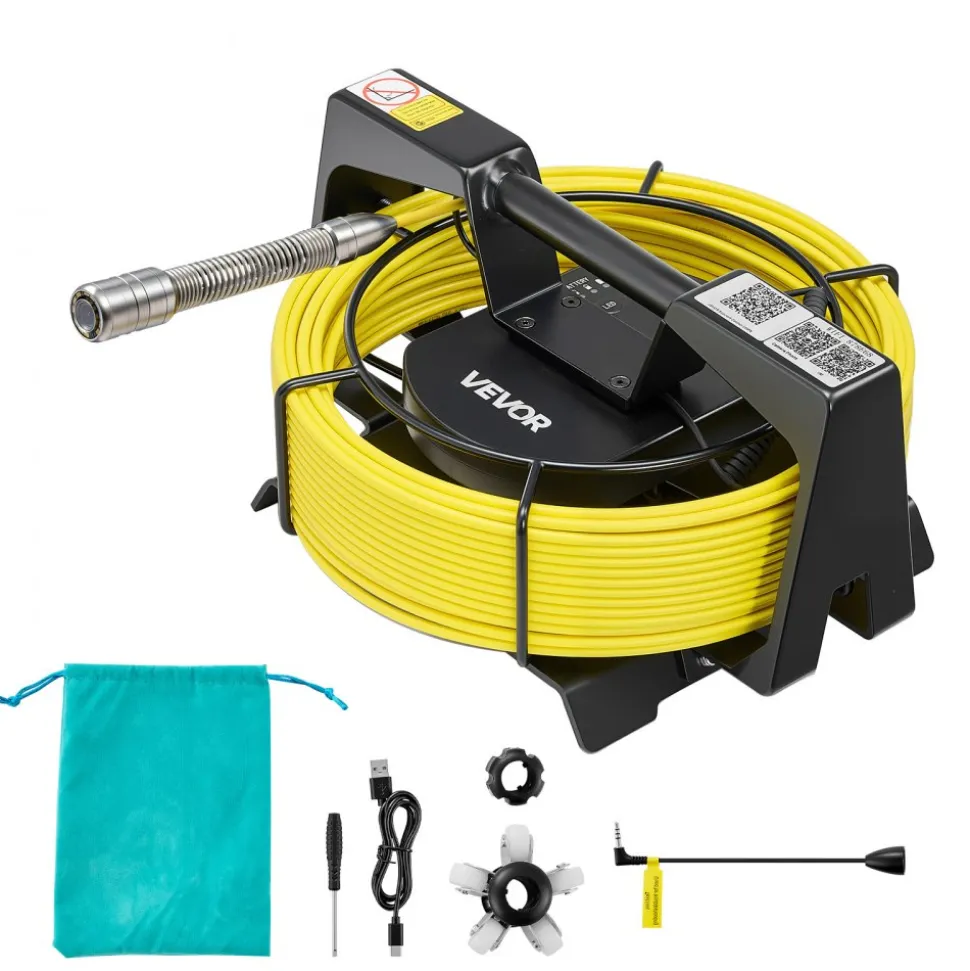

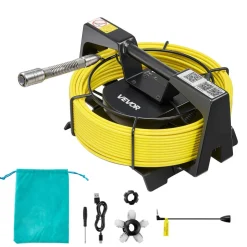
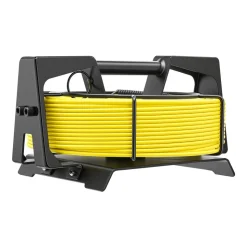
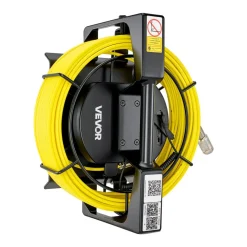
VEVOR 2026 Upgraded Sewer Camera with WiFi, 98.4ft/30m Drain Pipeline Camera, IP68 Snake Plumbing Cameras with Light- 12 LEDS, Wireless WiFi Connectivity to Phone/Tablet for Sewer Duct Pipe Inspection
$136.89
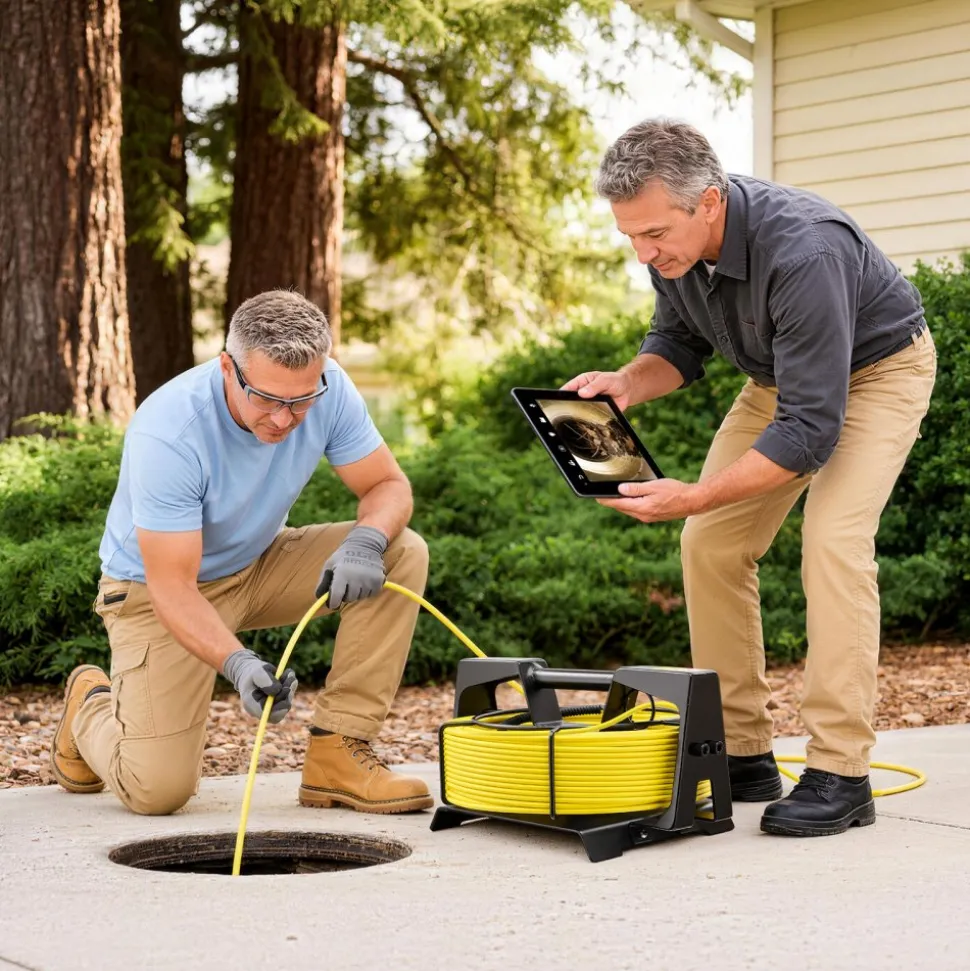
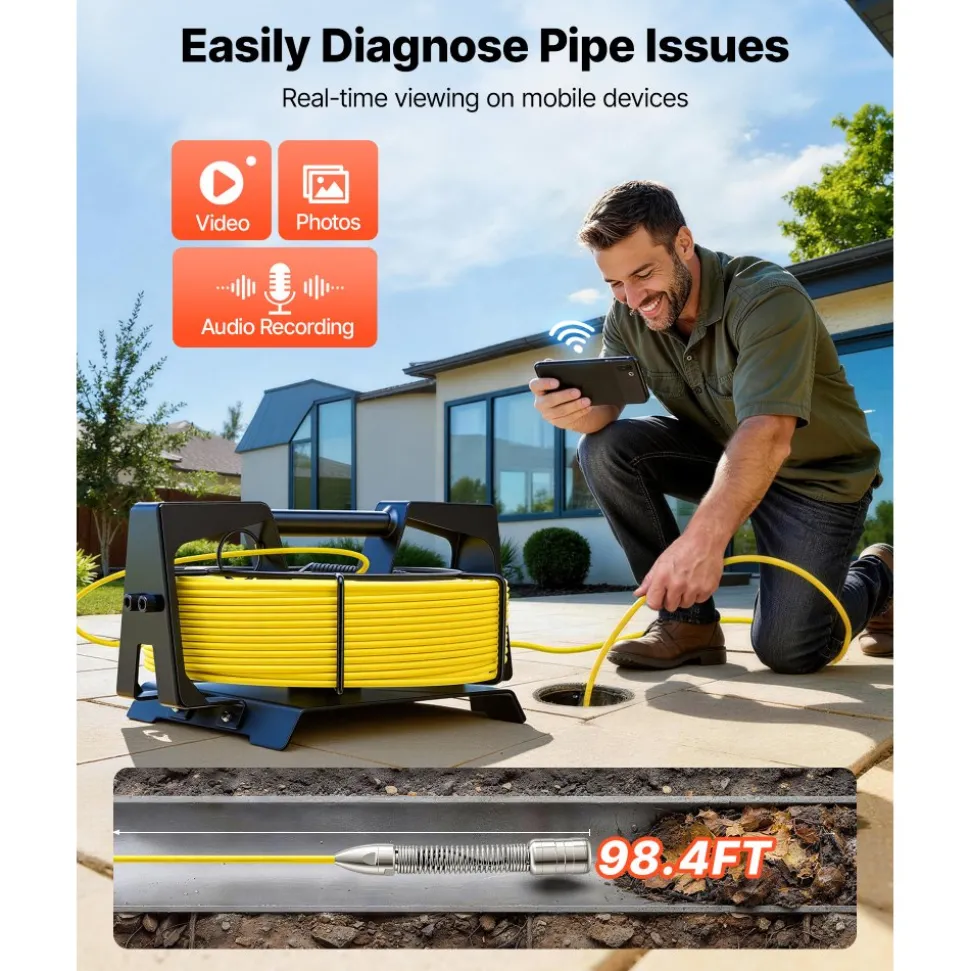
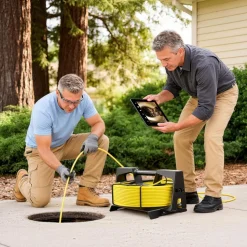
- All-New 2026 WIFI Version: Breaking traditional technical limitations, VEVOR sewer camera is compact in size yet powerful in functionality. It supports wireless Wi-Fi connectivity to your phone or tablet, replacing bulky monitors and enabling real-time sewer inspection, photo/video capture, audio recording, data storage, and file sharing directly from you mobile devices
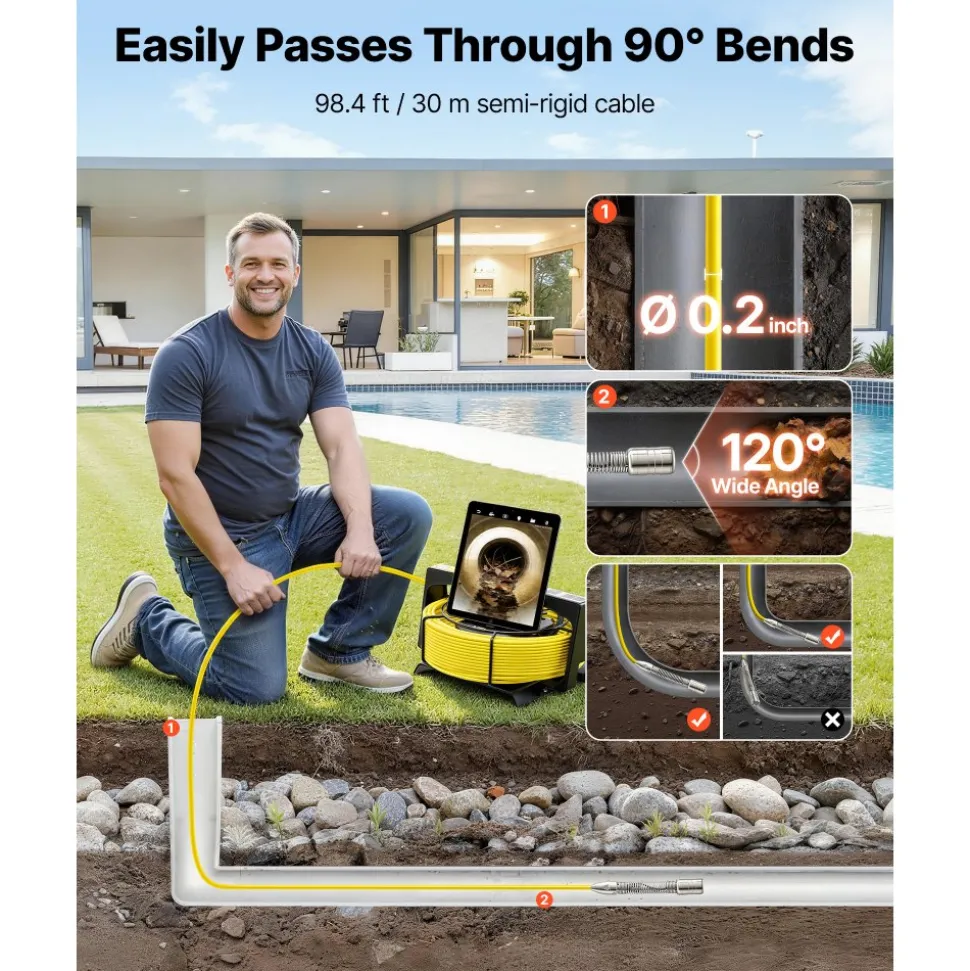
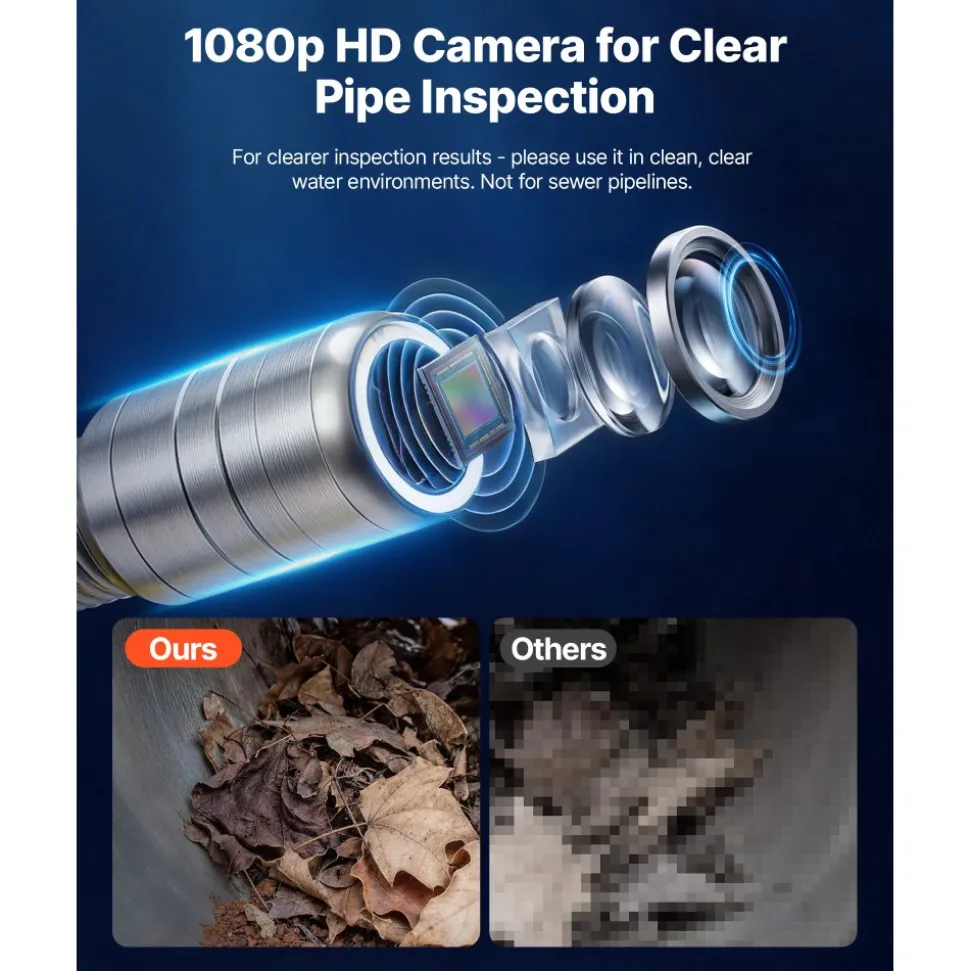
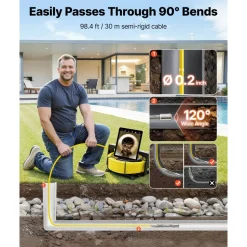
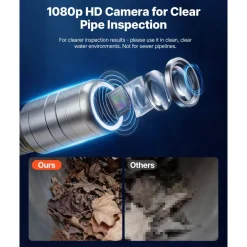
- HD Clear Inspection: Equipped with a 1920 x 1080 high-resolution lens and a 120° wide angle, our pipeline inspection camera delivers clear, detailed visuals and a broader field of view, allowing you to easily see more of the pipe interior during inspections
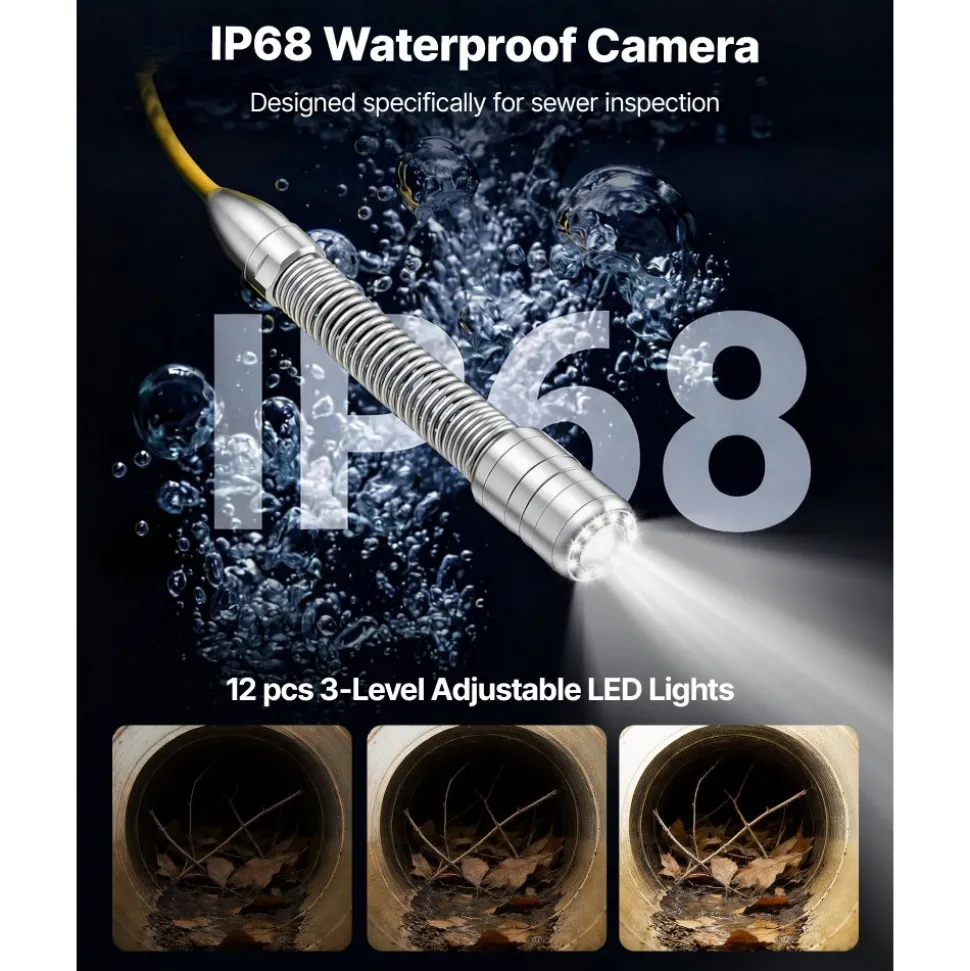
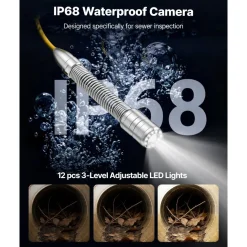
- Robust Semi-Rigid Cable: This drain camera features a 98.4ft, 0.2-inch diameter fiberglass semi-rigid cable with IP68 waterproof rating, offering excellent passability and durability for smooth navigation through bends and long pipes without breakage or tearing
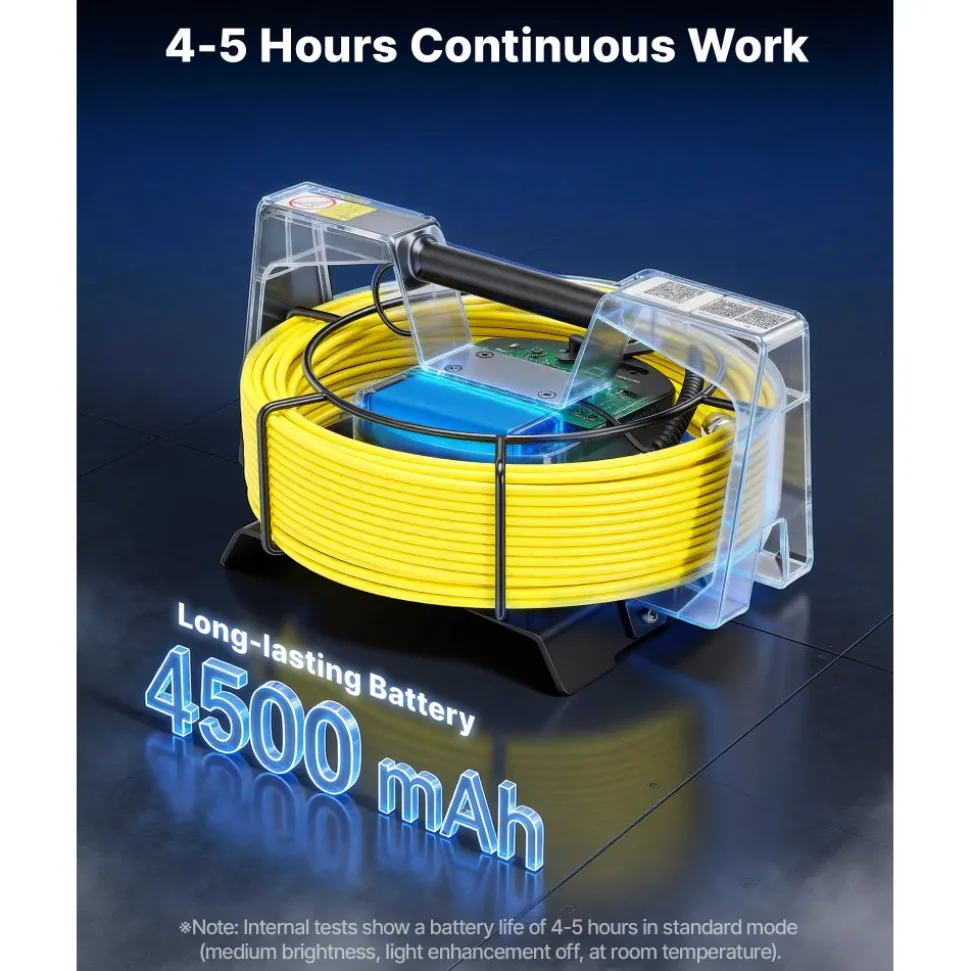
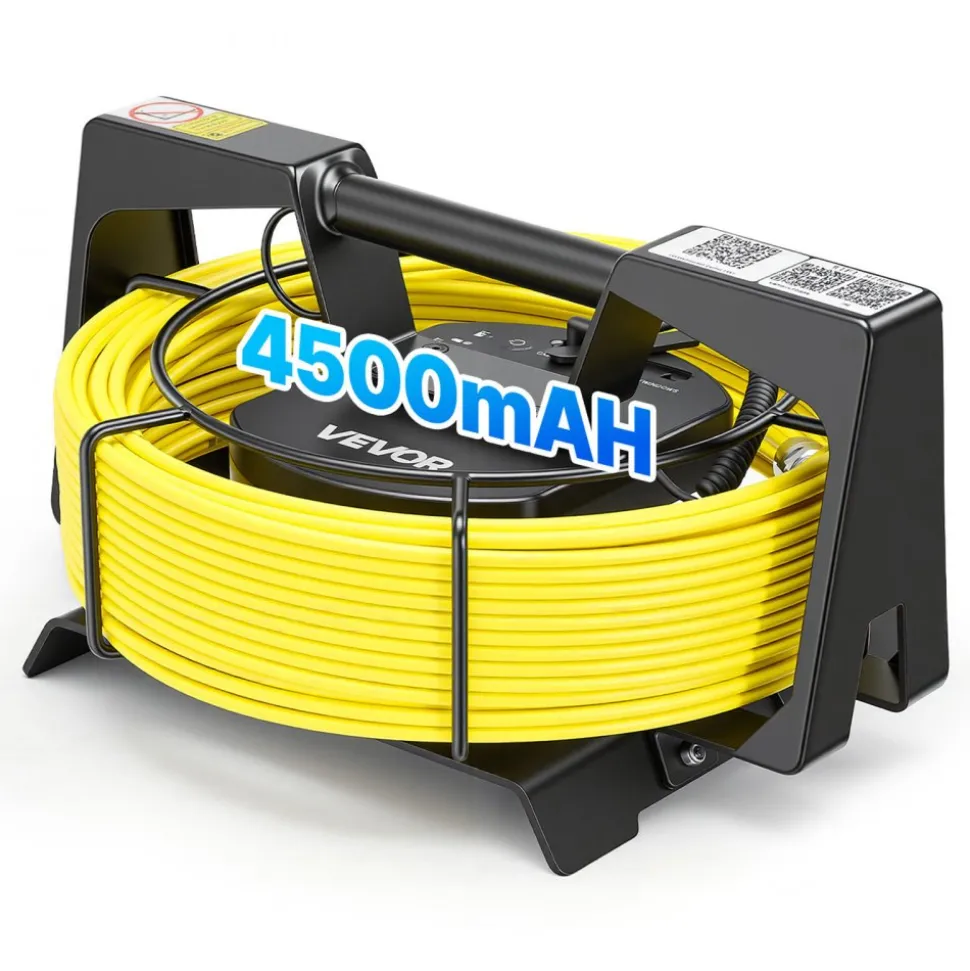
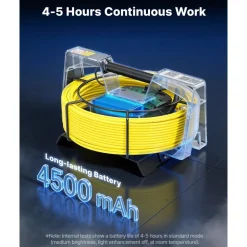
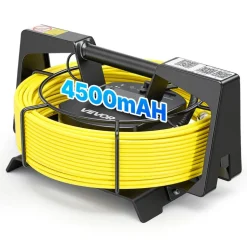
- Adjustable Lighting & Long Battery Life: Equipped with 12 adjustable LED lights with 3 brightness levels and a 4500 mAh battery for 4–5 hours of continuous use. A must-have tool for plumbers, contractors, and inspectors seeking efficient pipeline diagnostics
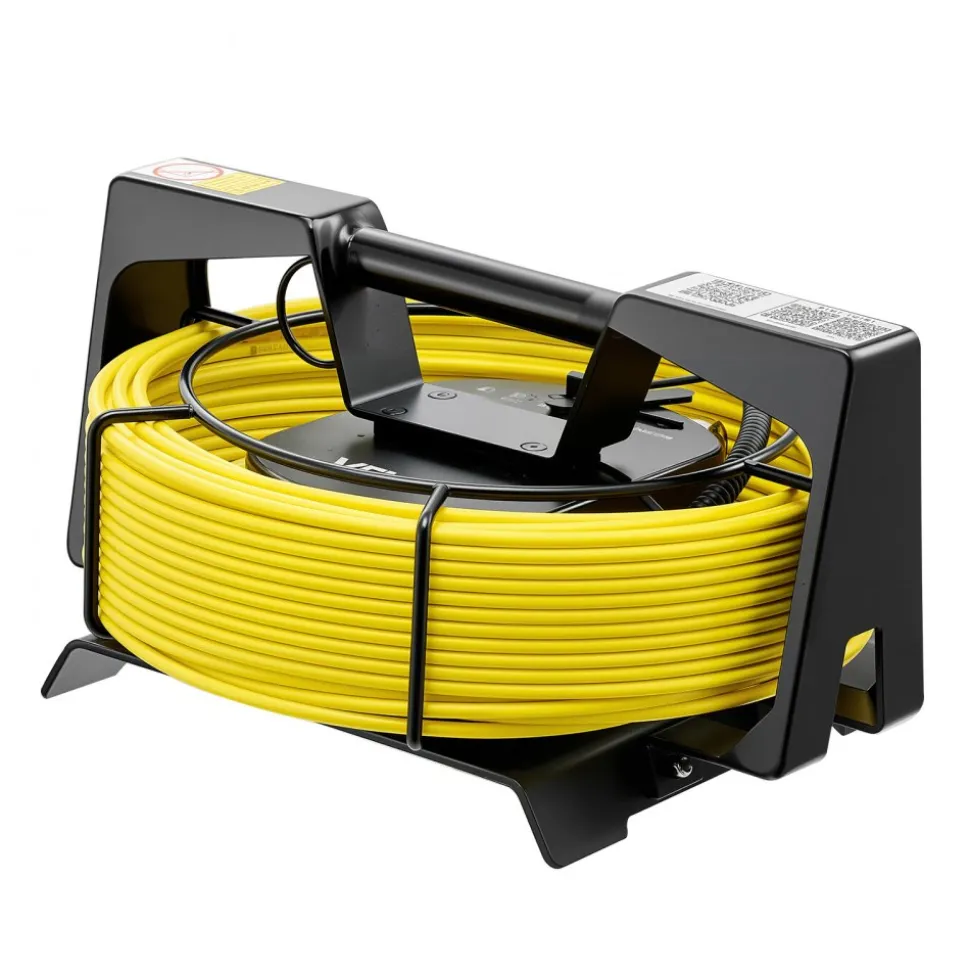
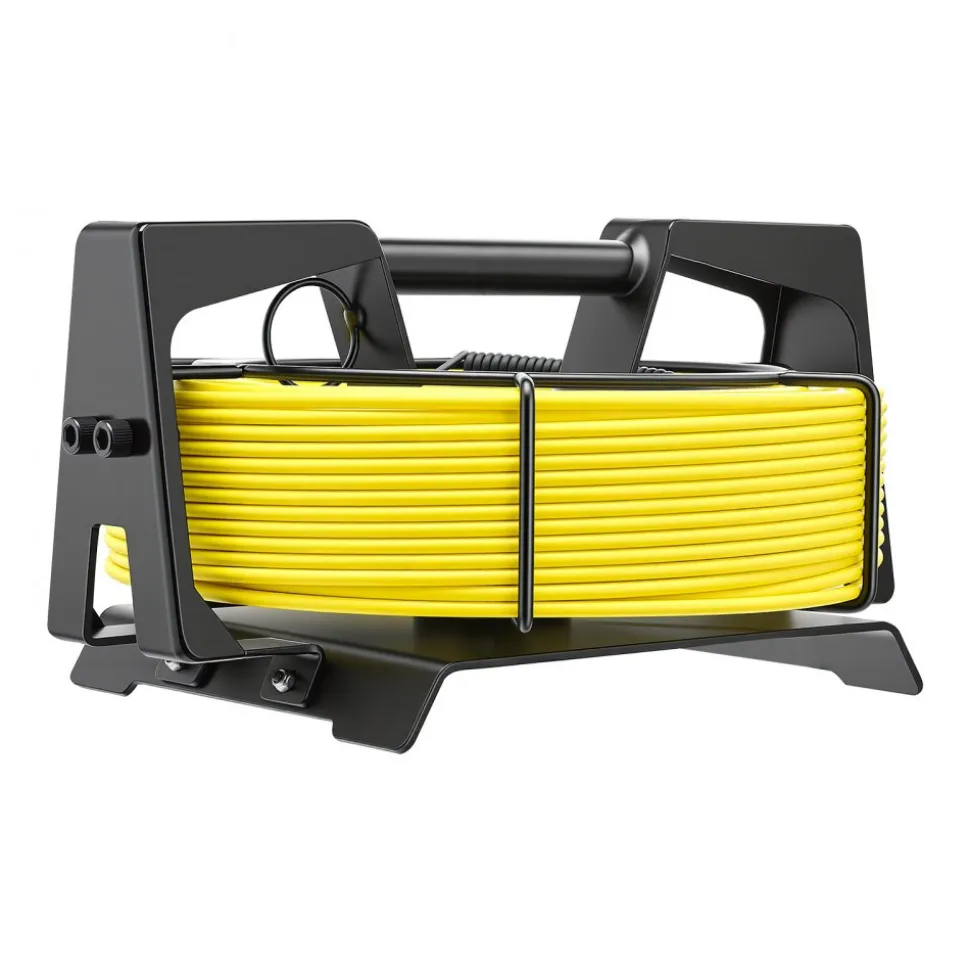
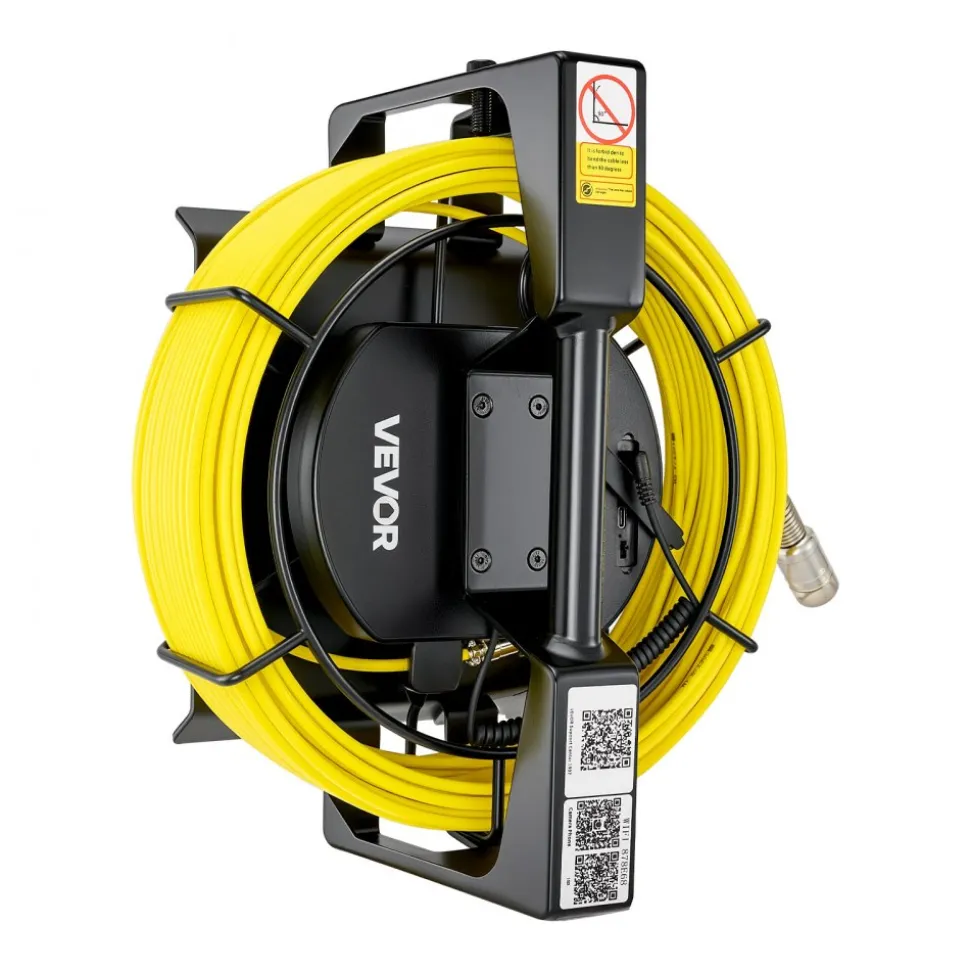
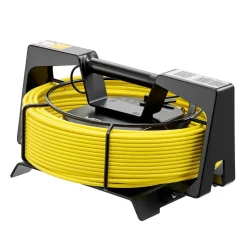
- Versatile Applications: This sewer camera features a sturdy metal reel for easy portability. Ideal for pool pipelines, drain pipes and HVAC maintenance. Compatible Pipe Diameters: Straight pipes: 0.99–5.9 inch (25–150 mm); Right-angle pipes: 1.97–5.9 inch (50–150 mm)
- Item Model Number
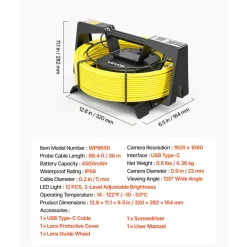
- WP9650
- Cable Length
- 98.4 ft / 30 m
- Battery Capacity
- 4500 mAh
- LED Light
- 12 PCS, 3-Level Adjustable Brightness
- Waterproof Rating
- IP68
- Cable Diameter
- 0.2 in / 5 mm
- Camera Diameter
- 0.9 in / 23 mm
- Viewing Angle
- 120° Wide Angle
- Camera Resolution
- 1920 x 1080
- Interface
- USB Type-C
- Operating Temperature
- 14 – 122℉ / -10 – 50℃
- Net Weight
- 9.6 lbs / 4.36 kg
- Product Dimensions
- 12.6 x 11.1 x 6.5 in / 320 x 282 x 164 mm
Q: Is this a screenless model? Does it need to connect to a phone?
A: Yes, this product features a screenless design with WiFi signal, and requires connection via a smartphone or tablet. After connecting to the device’s WiFi, download the “CameraPhone” app from the app store or by scanning the code on the device.
Q: Why can’t I connect to the camera after downloading the app?
A: Please make sure your phone is connected to the device’s WiFi signal (SSID: WP9650A, default password: 12345678). When prompted, allow all required permissions. You may also refer to the provided video guide for setup instructions.
Q: What should I do if the WiFi connection is unstable or the video is lagging/disconnecting?
A: Keep your phone within 10 meters of the device and avoid physical obstructions. If disconnection occurs frequently, try restarting the device or reconnecting to the WiFi.
Q: Does the cable move smoothly in pipes? Is it easy to get stuck or tangled?
A: The fiberglass cable has a certain level of rigidity. But in complex pipelines with multiple bends or small diameters, resistance may increase, and long-distance use may cause bending or jamming. Please use with caution in complex pipe systems.
Q: Without a self-leveling function, will the image be tilted or unclear?
A: This product does not support automatic image leveling. The camera image may rotate or tilt as the probe moves inside the pipe, and the viewing angle needs to be manually adjusted.
Be the first to review “VEVOR 2026 Upgraded Sewer Camera with WiFi, 98.4ft/30m Drain Pipeline Camera, IP68 Snake Plumbing Cameras with Light- 12 LEDS, Wireless WiFi Connectivity to Phone/Tablet for Sewer Duct Pipe Inspection”
Related products
Lawn & Garden
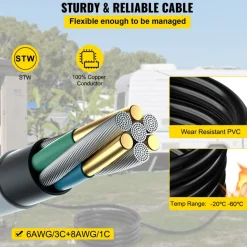
VEVOR 50FT Generator Power Cord 50-Amp 125/250-volt 14-50P to CS6364 Locking Connector












Reviews
There are no reviews yet.